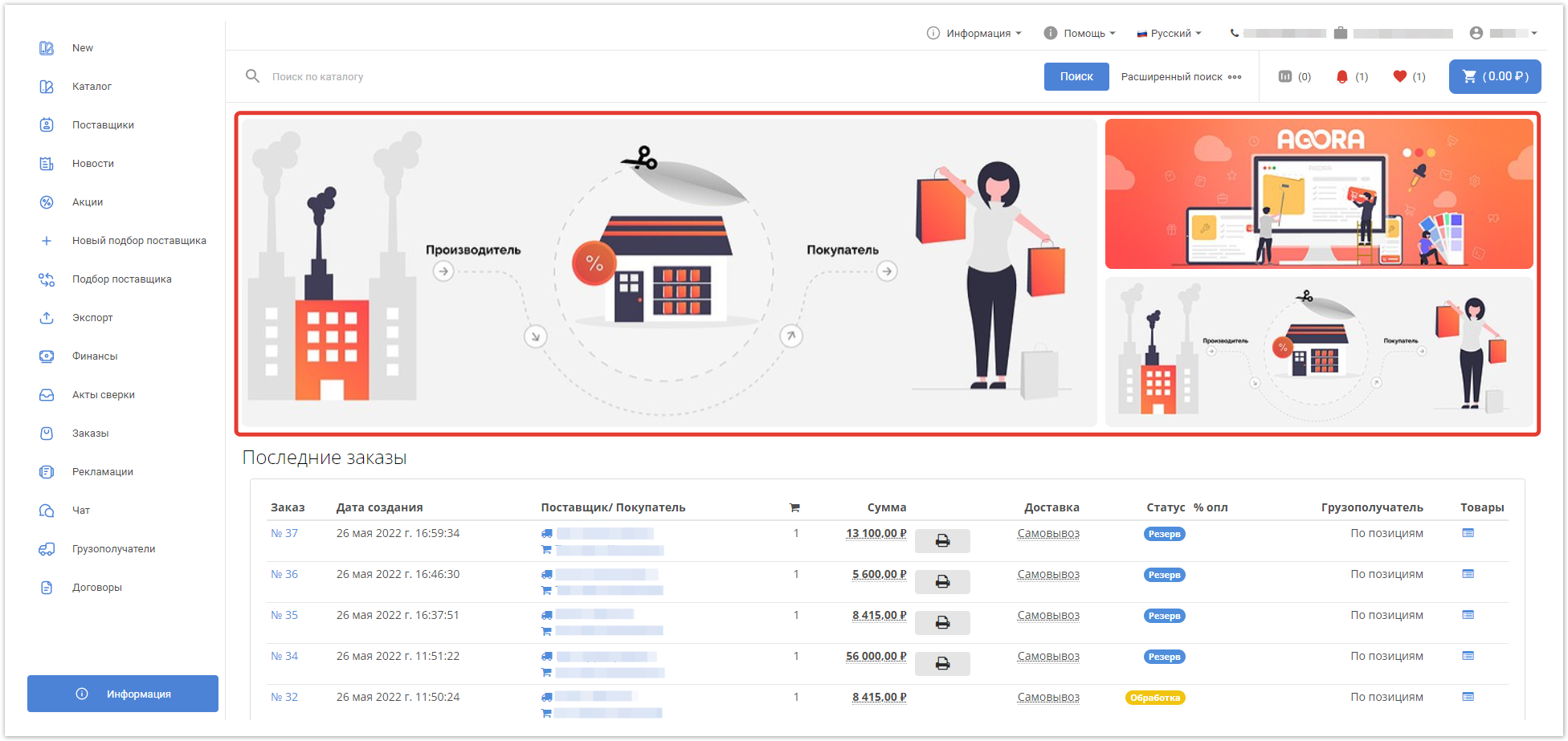


Комиссии для поставщиков
В разделе Комиссии административной панели Agora теперь можно настроить три типа комиссий для поставщиков: общие, на категории товаров и для отдельных поставщиков.
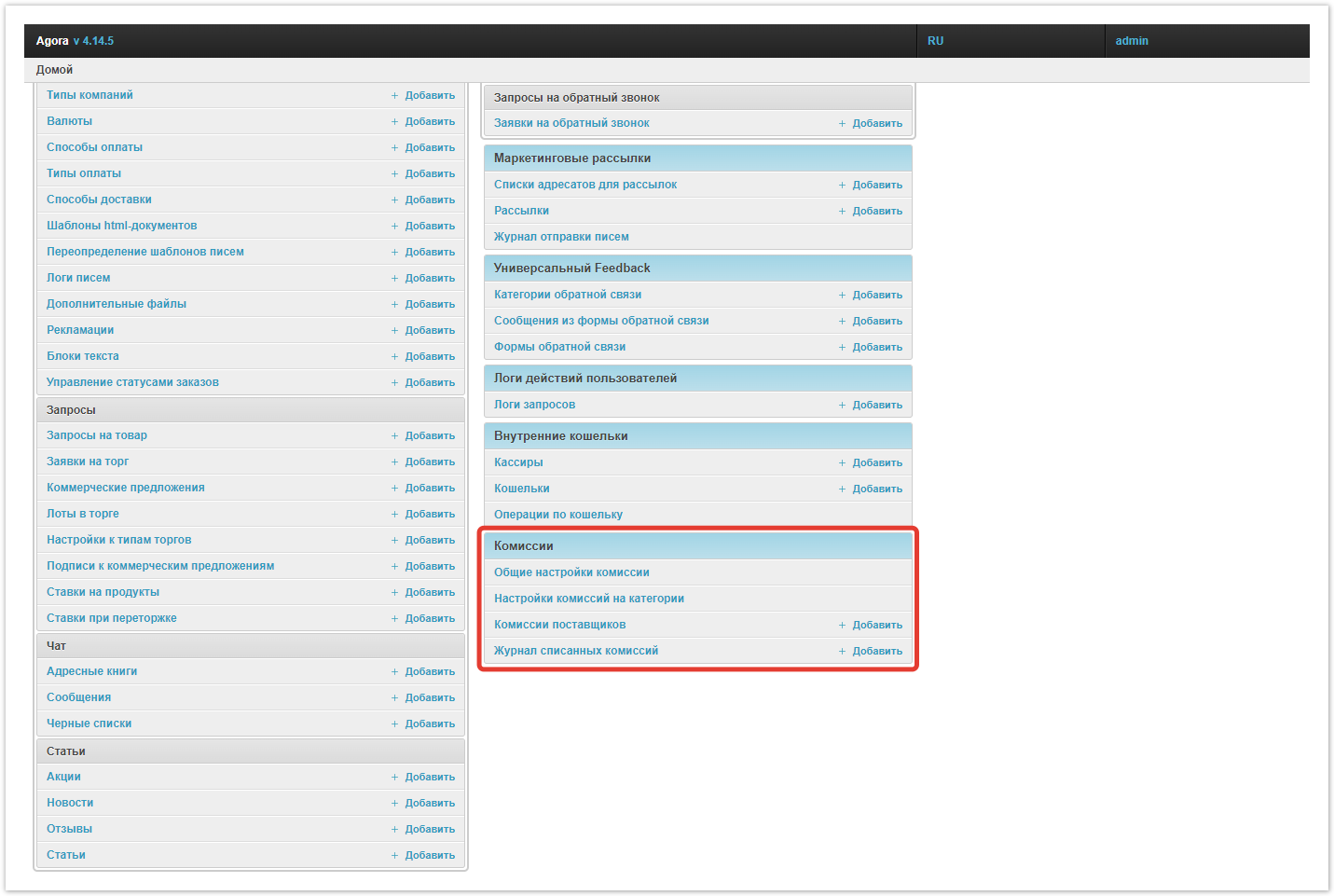
Общие комиссии — это единый процент комиссии платформы для любого заказа, который устанавливаются в соответствующем разделе административной панели проекта. Если необходимо установить персональные комиссии для отдельных категорий, то можно использовать комиссии для категорий товаров. Комиссии для категорий являются более приоритетными над общими комиссиями и их добавить для каждой категории. Например, более высокую комиссию для товаров с меньшей маржинальностью. Третий, самый приоритетный тип комиссий — для поставщиков. Вы можете увеличивать или уменьшать персональные комиссии для каждого поставщика в зависимости от договоренности.
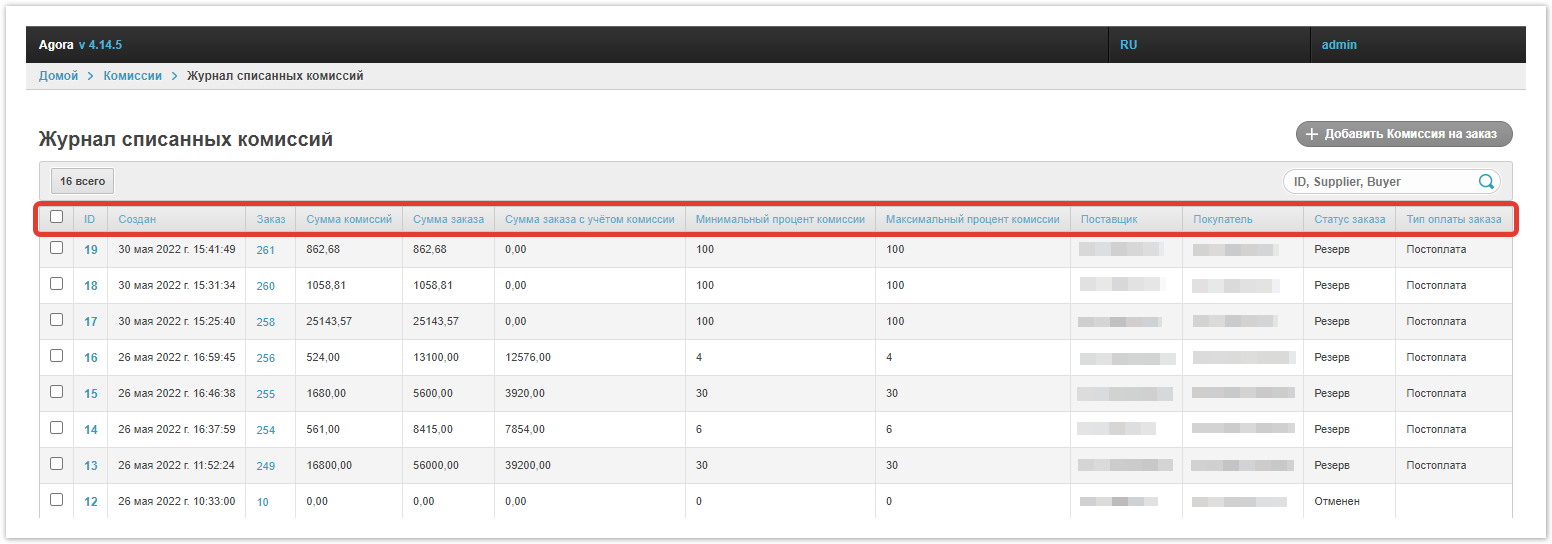
В разделе Журнал списанных комиссий находится сводная таблица по всей истории списания комиссий. В ней представлены данные о заказе, поставщике, минимальном и максимальном проценте комиссий, сумме заказа с комиссией и без и т.п. Помимо этого, для работы с логами списаний вы можете воспользоваться фильтрами.
Также при превышении лимита задолженности в личном кабинете поставщика будет появляться уведомление, а к таблице расчета по заказу добавлена информация по проценту комиссии и ее суммой. Более подробно функционал Комиссий описан в этой статье.
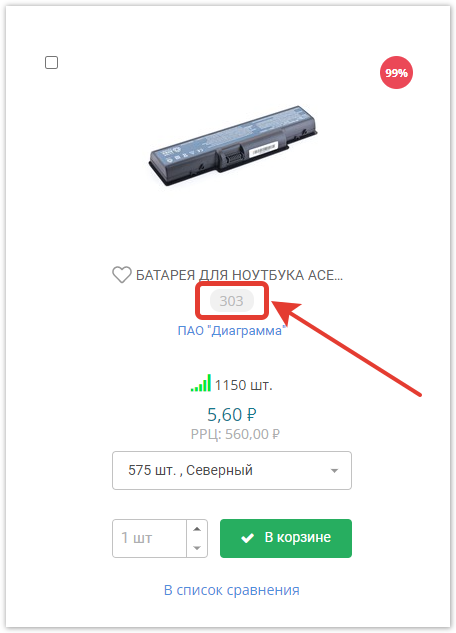
Новые стили скидок и артикулов товаров
В последнем релизе изменены стили скидок и артикулов в каталоге.
Вид скидок:
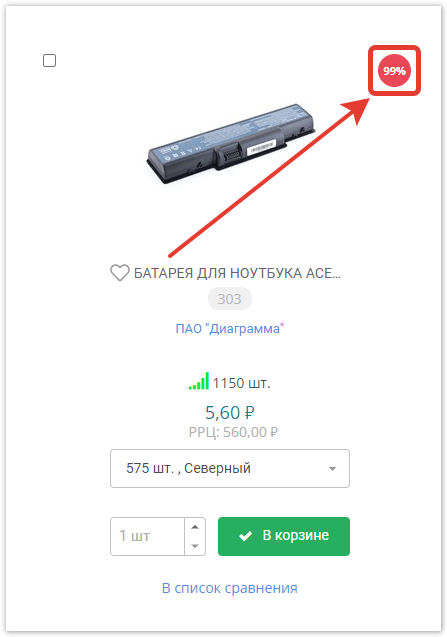
А также артикулов:
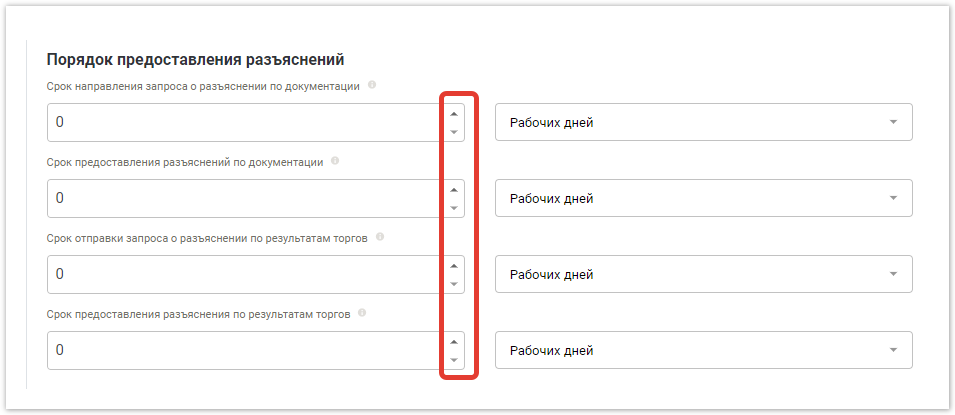
Виджет количества в торговой процедуре
Улучшено визуальное отображение виджетов в разделе создания торговых процедур личного кабинета пользователя.
Обновление вида баннеров на проекте
В новом релизе вид баннеров в личных кабинетах пользователя приведен в соответствие общему дизайну платформы.